Kaspersky Security & VPN11.100.4.10121
Publisher Description

Free antivirus and phone security for Android™ devices from Kaspersky
Kaspersky Security & VPN for Android is a FREE-to-download antivirus solution that helps secure your phones and tablets – which can be even more vulnerable than computers – from online dangers.
It includes premium apps & features designed to work on Android devices. From security essentials like anti-phishing to extended privacy protection tools – Password Manager, VPN, Data Leak Checker as well as increasing the speed and performance features like unused apps cleanup & battery saver
App features
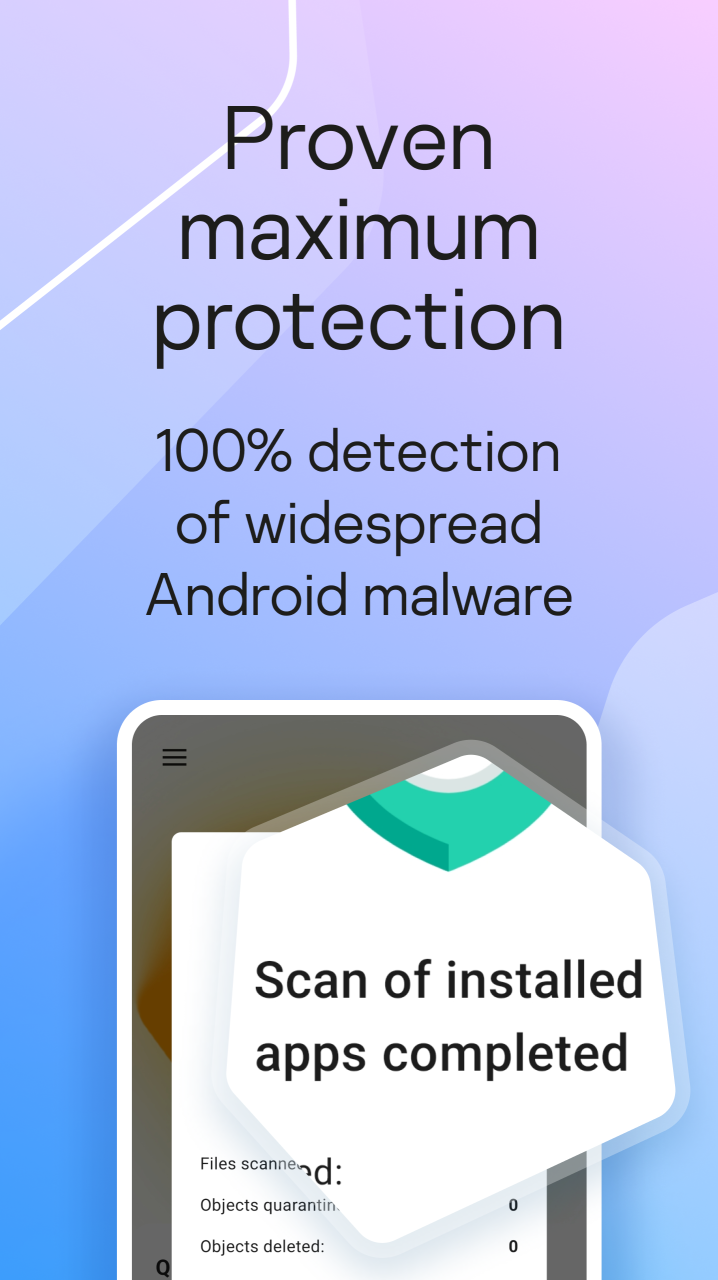
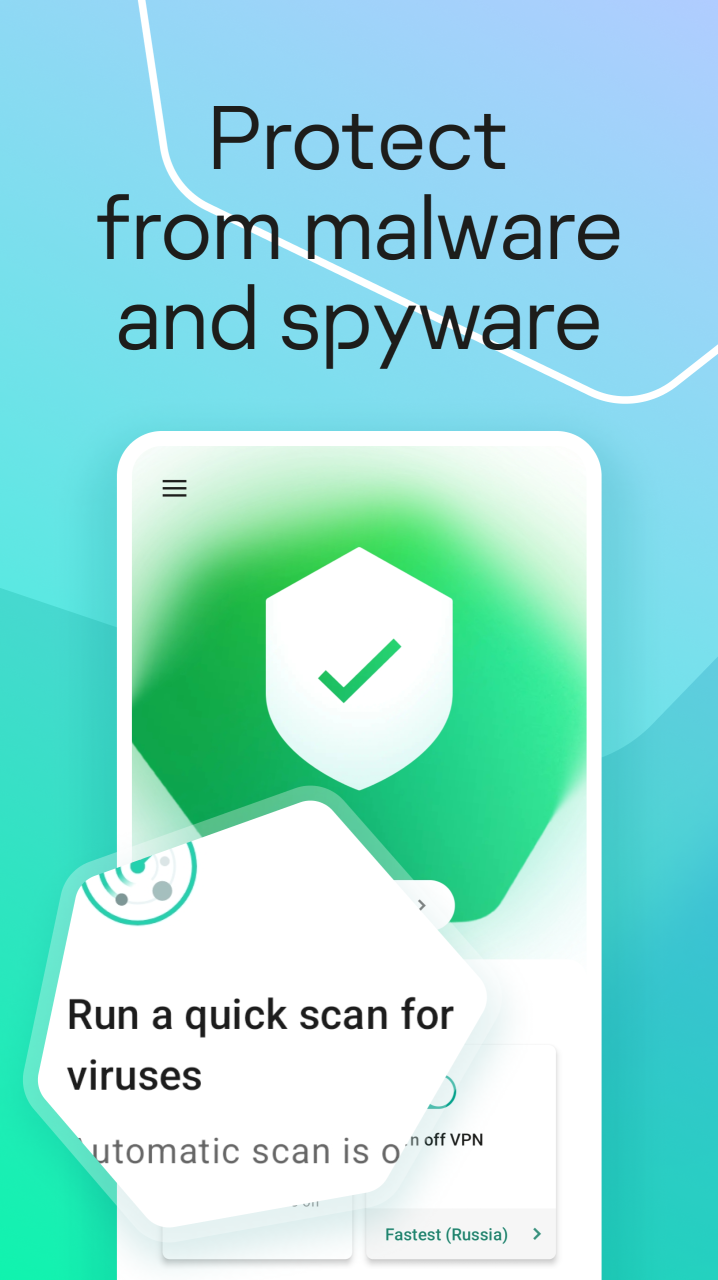
►Antivirus protection—acts as a virus cleaner and scanner, automatically blocking malware, viruses, spyware and more on your phones & tablets
►Background check—scans on-demand and in real-time* for viruses, spyware, ransomware and Trojans
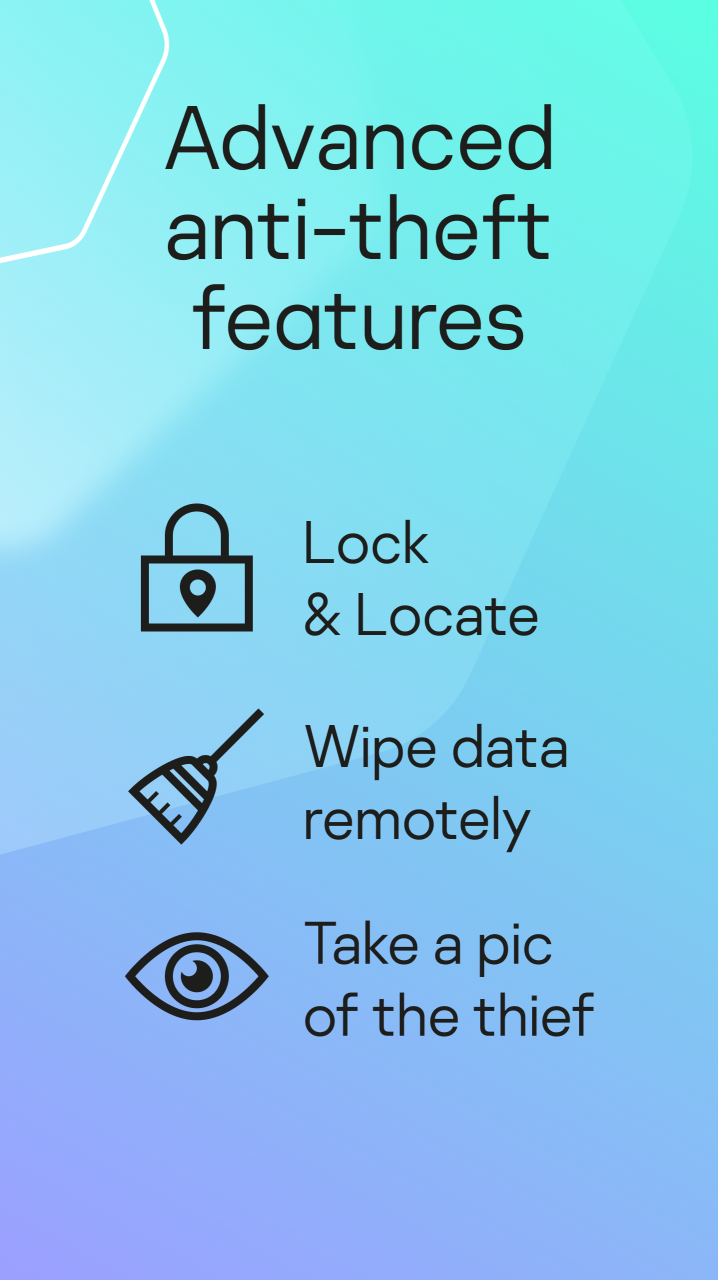
►Where Is My Device—protects your personal information from thieves, allowing you to wipe it from your device remotely and helps to find your phone when lost
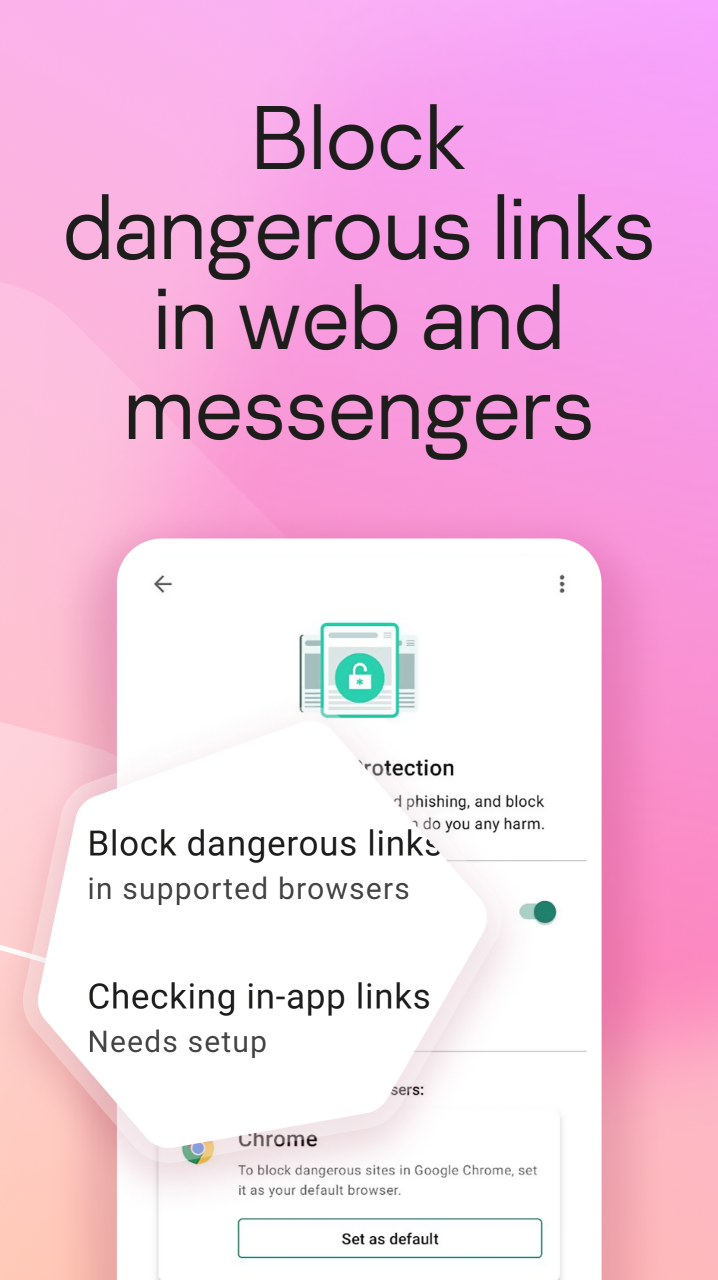
►Anti-Phishing¹—warns about dangerous phishing links in your emails, IMs, texts, and on websites
►Safe Browsing¹—blocks dangerous links, downloads & websites when you go online
►Safe Messaging¹—blocks malicious URLs in SMS text messages and instant chats
►Password management²—allows you to securely store, manage & autofill your passwords
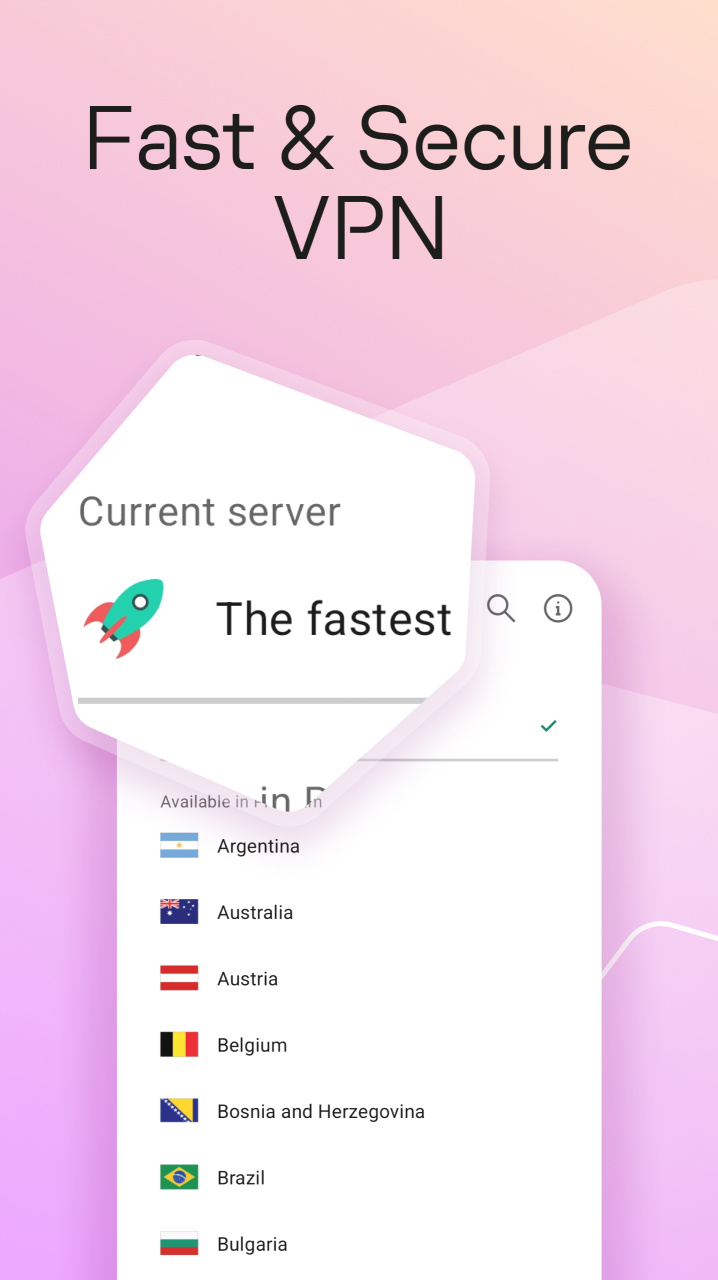
►Kaspersky VPN²—encrypts your Wi-Fi traffic, comes with an IP location changer for private Internet access, and lets you access global content in a private browser via super-fast connections
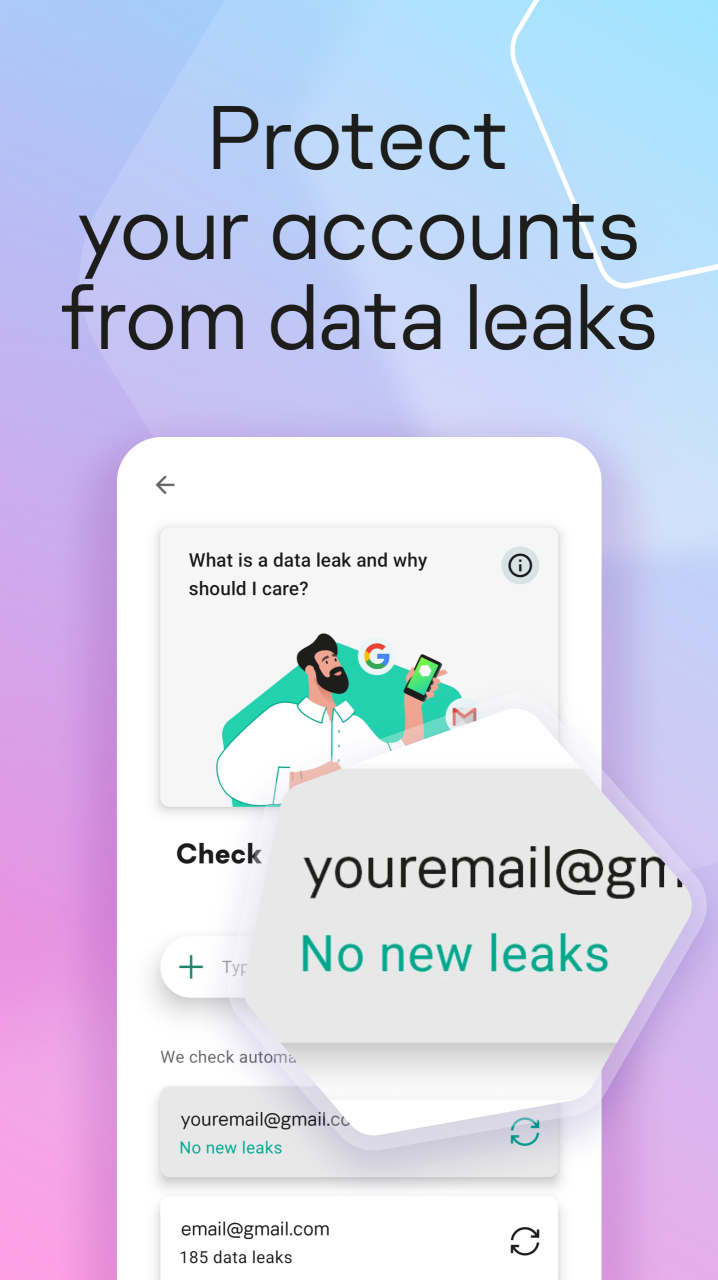
►Data Leak Checker³—warns you if your account data is leaked online & advises you how to avoid leaks
►Social Privacy¹– helps you edit privacy settings in Google and Facebook. Which means it’s super-easy for you to disable location tracking, prevent targeted ads, and lots more
►Devices on My Network³—notifies you when a new device joins your Wi-Fi network, so you can disconnect unauthorized devices
Features in detail
◆ Antivirus protection
When our defense technologies detect malware, spyware or other threats, Kaspersky Security & VPN for Android acts as a virus cleaner. This means it repels viruses, and blocks dangerous apps, links, downloads and files.
◆ Background scan
Our Android antivirus comes with a powerful background scan that checks apps, files and more for threats such as malware, ransomware and phishing.
◆ Kaspersky VPN²
Our VPN feature encrypts all the data you send and receive online, such as emails, chats, video calls, banking transactions and shopping payments. Plus it masks your IP address to let you search and browse completely privately. And lets you access global content and streaming services from anywhere!
◆ Data Leak Checker³
If hackers know your email addresses, they could break into your Netflix, Facebook or other accounts. This tool lets you check if your email addresses or other personal information has been leaked from your accounts, and gives you advice on how to prevent private data being compromised.
¹Functionality is available for paid subscribers only
²Unlimited VPN is available for paid subscribers only, starting with «Plus» plan
³Automatic and unlimited account check & Devices on My Network are available for paid subscribers only, starting with «Plus» plan (available in a limited number of countries). This functionality is also available with Kaspersky Security Cloud – Personal & Kaspersky Security Cloud – Family licenses.
Due to legal restrictions on using a virtual private network (VPN), Kaspersky Secure Connection cannot be installed in Belarus, China, Saudi Arabia, Iran, Oman, Pakistan and Qatar.
Limitations apply: https://support.kaspersky.com/help/Kaspersky/Android_knownissues/en-US/195522.htm
This app uses the Device Administrator permission, Accessibility & VPN services. Accessibility is used for the following purposes:
• Device lock in case of theft
• Web and chat protection
• Blocking unwanted apps
• VPN adaptability
About Kaspersky Security & VPN
The company that develops Kaspersky Security & VPN is Kaspersky Lab Switzerland GmbH. The latest version released by its developer is 11.100.4.10121.
To install Kaspersky Security & VPN on your Huawei device, just click the green Continue To App button above to start the installation process. The app is listed on our website since 2023-06-28 and was downloaded 7 times. We have already checked if the download link is safe, however for your own protection we recommend that you scan the downloaded app with your antivirus. Your antivirus may detect the Kaspersky Security & VPN as malware as malware if the download link to C100337411 is broken.
How to install Kaspersky Security & VPN on your Huawei device:
- Click on the Continue To App button on our website. This will redirect you to Huawei Store.
- Once the Kaspersky Security & VPN is shown in the Huawei Store listing of your Huawei device, you can start its download and installation. Tap on the Install button located below the search bar and to the right of the app icon.
- A pop-up window with the permissions required by Kaspersky Security & VPN will be shown. Click on Accept to continue the process.
- Kaspersky Security & VPN will be downloaded onto your device, displaying a progress. Once the download completes, the installation will start and you'll get a notification after the installation is finished.
